01 / 06
One line on your site.
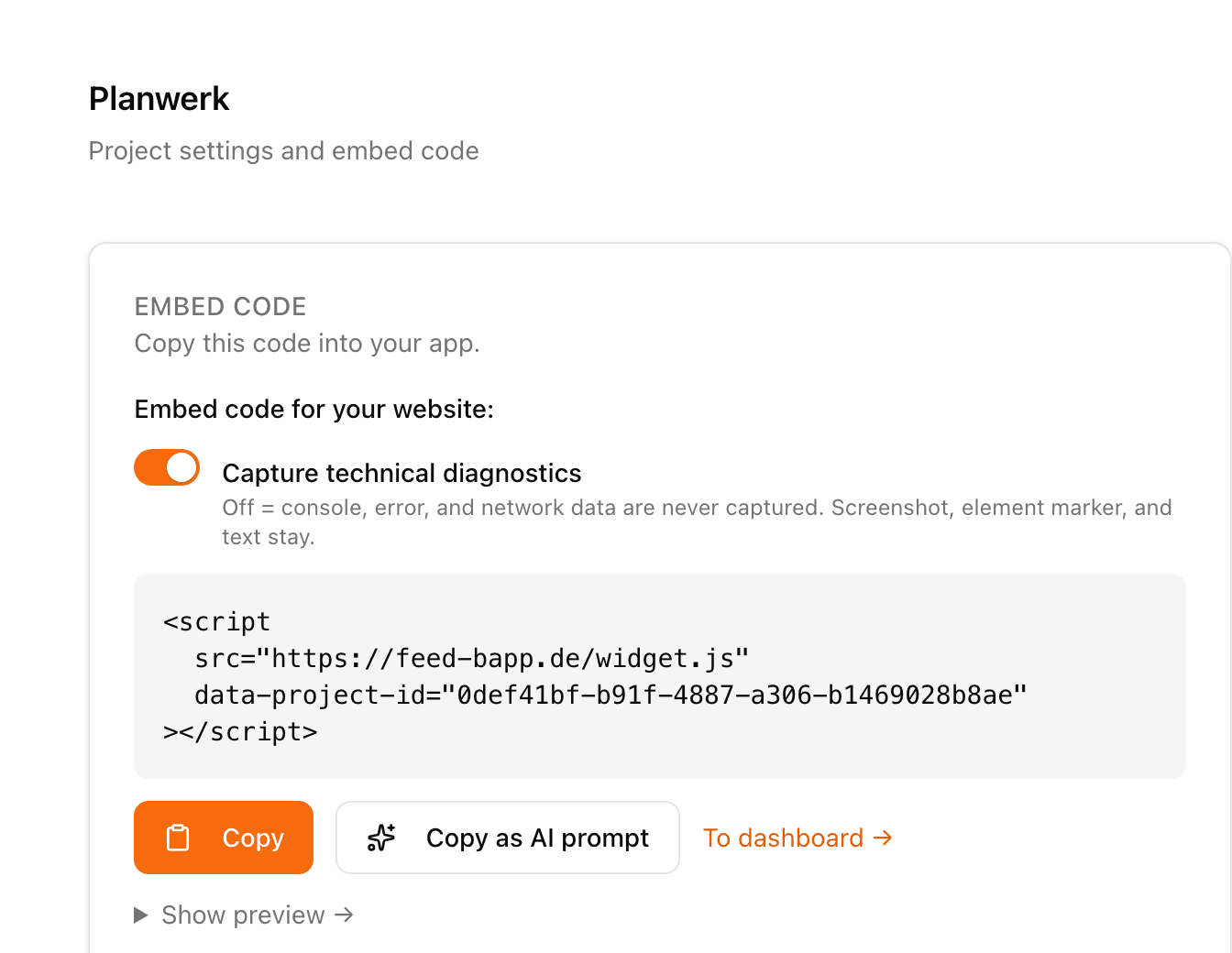
Copy the script tag, allow the domain, done. No npm package, no build step.
Script tagAny platformTwo minutes

Five channels, one person, tickets by hand.
Feedbapp collects feedback directly in your application, whether website, web app or software: with a screenshot, the clicked element and the technical details. From this context, the AI classifies every report and groups matching topics, in about five seconds.
Closed beta. We open it up in small groups, you will hear from us within a few days. No spam.
Straight from the product. Sorted automatically.
Four people report, the AI sorts, you approve, your coding agent plans and gets going.
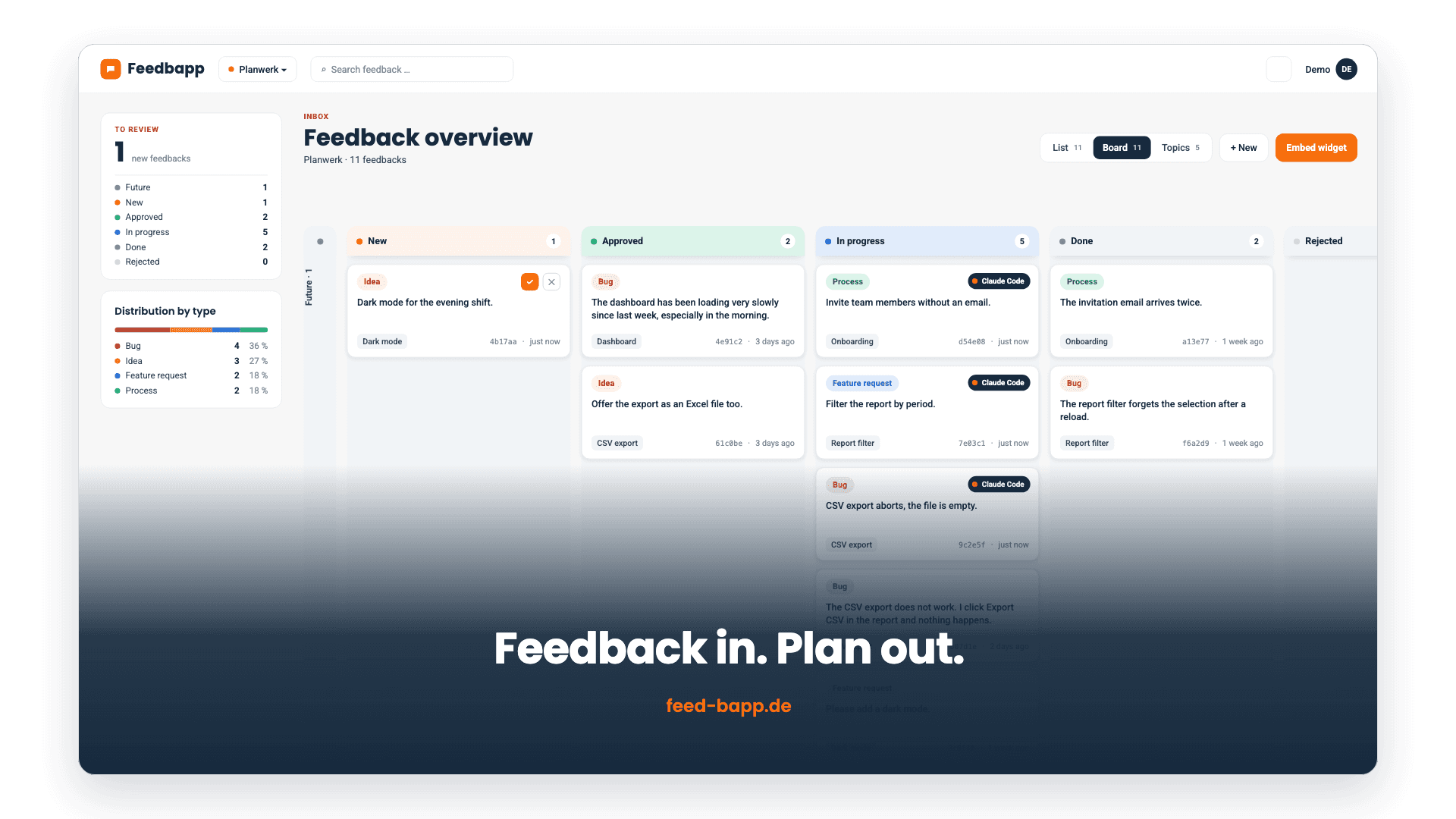
An AI can only classify as well as what it is given. Tickets and forms deliver a sentence, and after 200 entries you have a list, not a picture. Feedbapp sees the screenshot, the clicked element, the console and the failed requests.
What others see
“The export doesn't work”
What Feedbapp sees
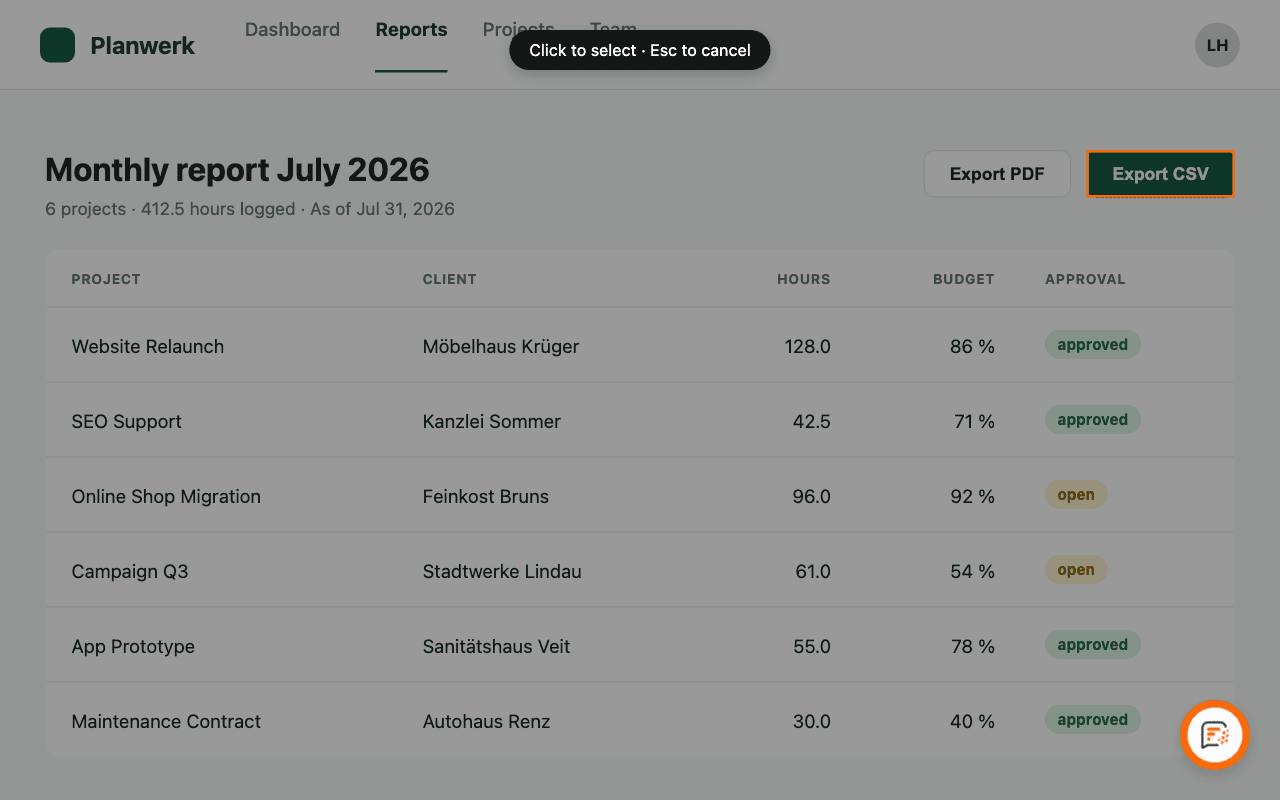
Type Error · Topic “CSV export fails (3)”
Copy the script tag, allow the domain, done. No npm package, no build step.
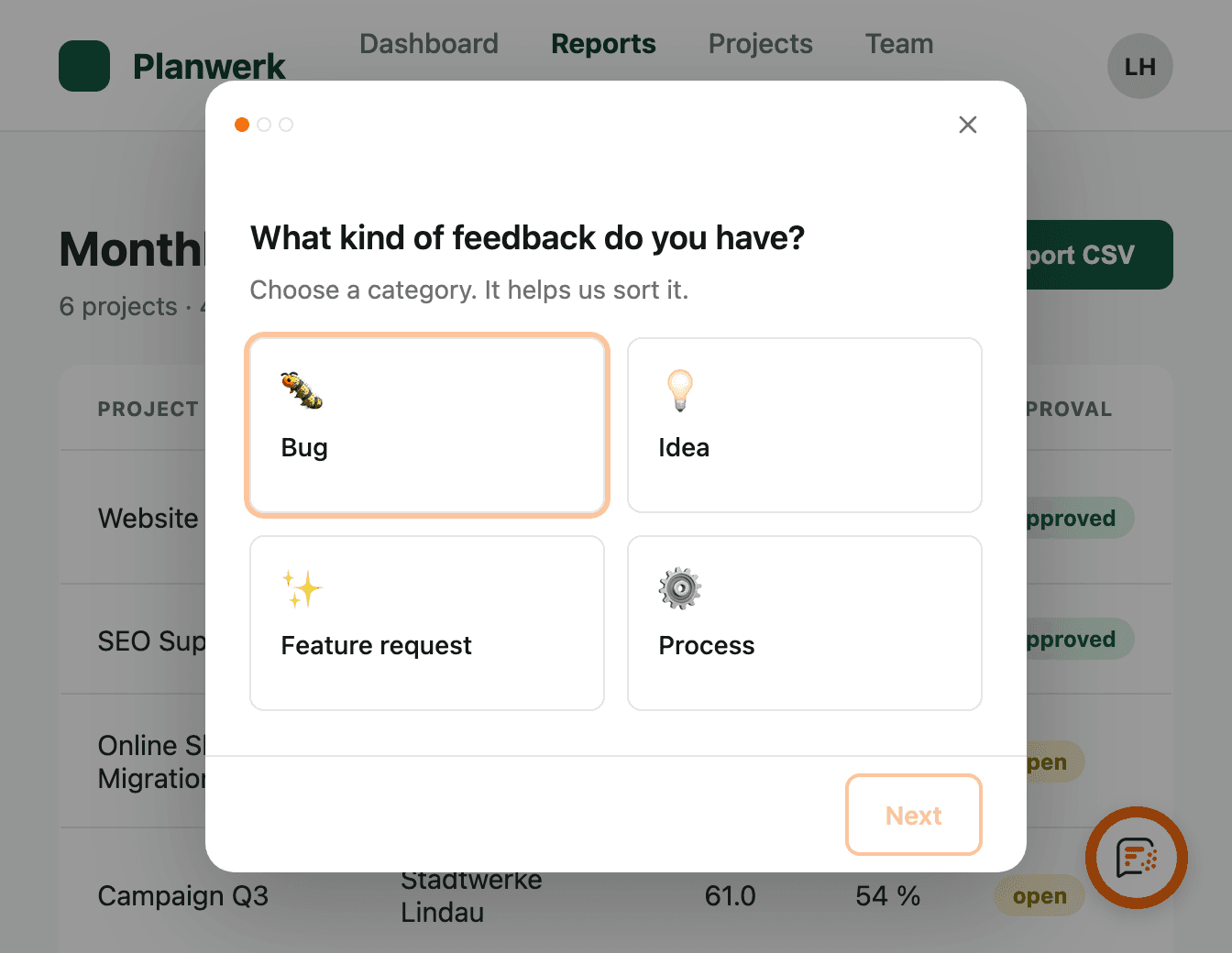
Button bottom right, four categories, one sentence. No account, no extension.
Screenshot, the exact element clicked, console messages and failed requests go along automatically. The widget redacts known tokens and keys first.
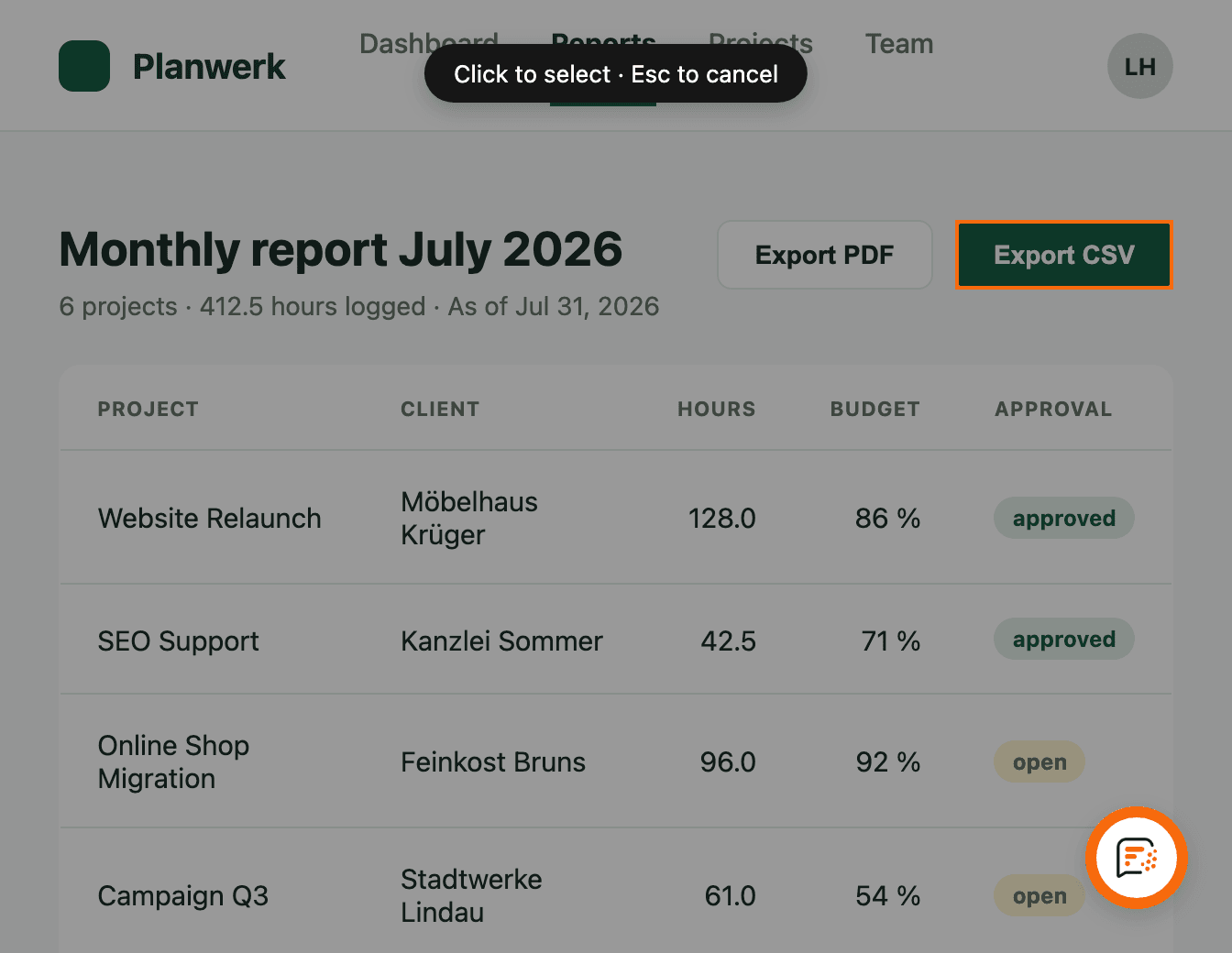
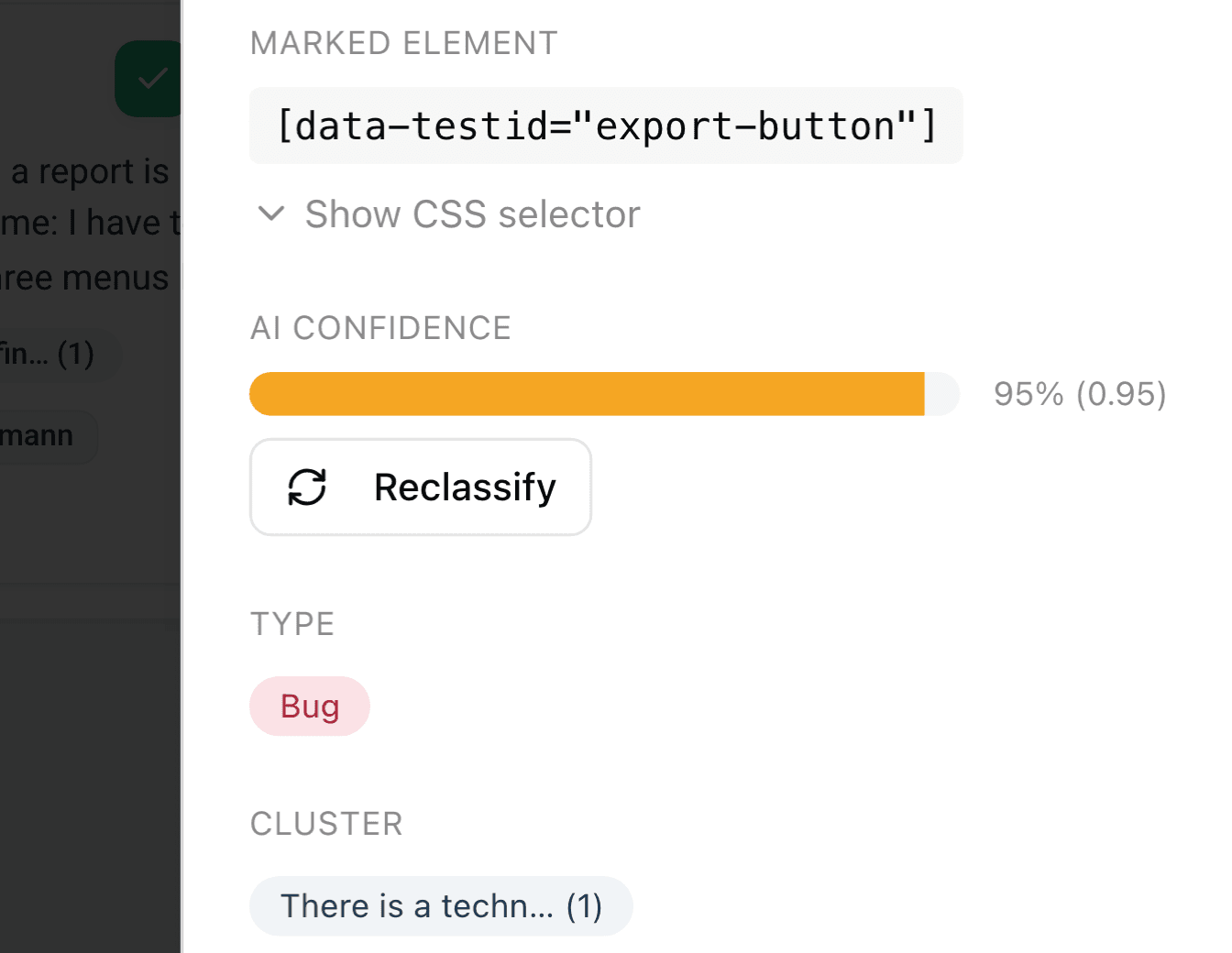
Type, summary and assignment to an existing topic, in about five seconds, without anyone tagging it.
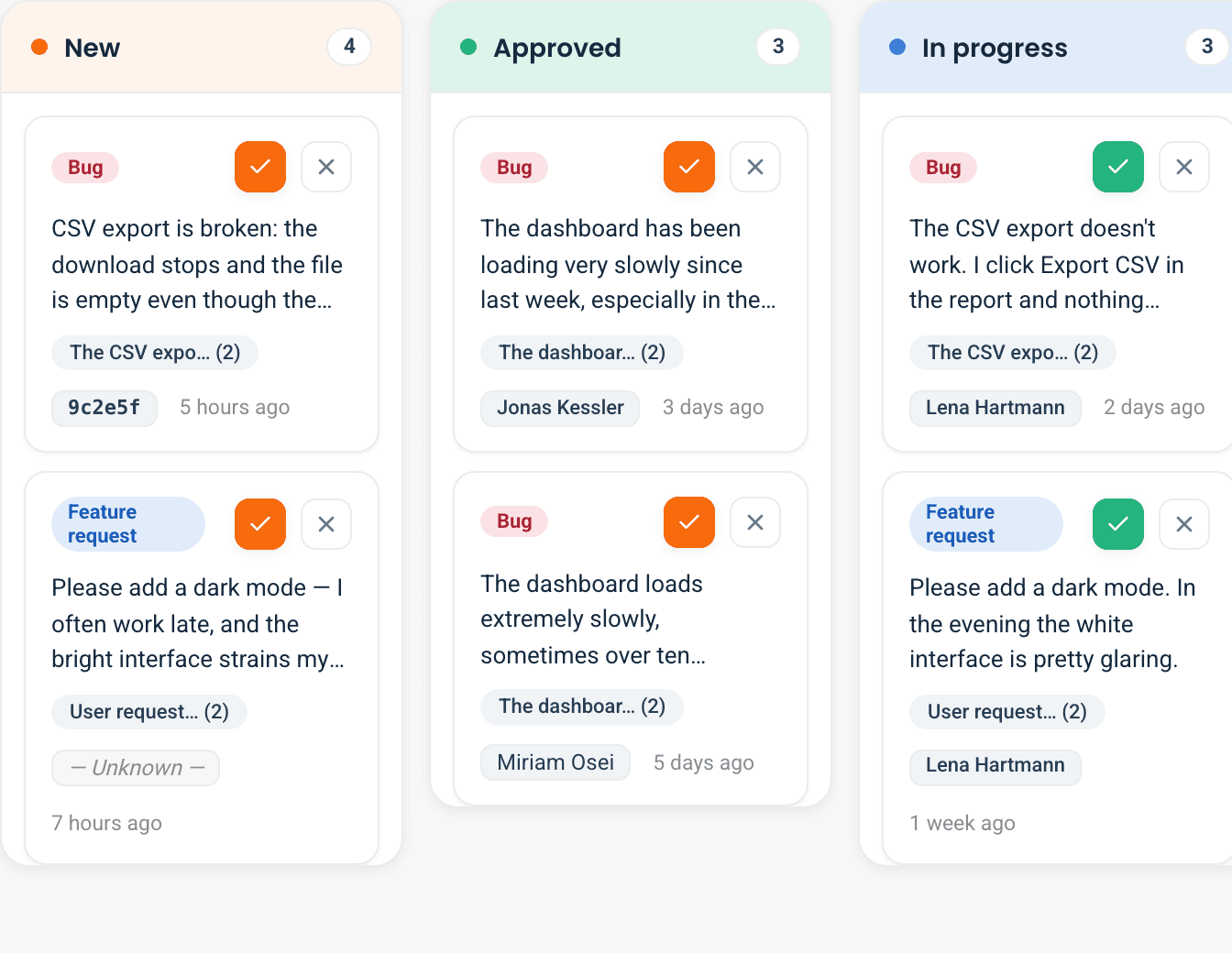
Six columns from “Future” to “Done”, topics sorted by weight: you drag the card, the AI only pre-sorted it.
Claude Code or Cursor fetch the open topics, work through them and reset the status, in a loop, without you sitting in between.
$ npx -y -p feedbapp-cli@latest feedbapp-mcp setupClosed beta. Reply within a few days, no newsletter.
QA
Testers report straight from the interface: screenshot, element and page are already attached, no ticket typed by hand. The AI sorts it by type and topic.
Dogfooding
Your own team uses the product and reports from inside the application. That is how Feedbapp itself runs.
Staging and internal
The widget can be embedded on a staging or internal address. The origin is allowed per project, in the project settings. With no entry, every origin is allowed.
The orange button bottom right is our real widget, the same one our customers embed. Whatever you report there lands classified in our board. If it is good, it goes into the next plan.
One command, then Claude Code knows your topics.
$ npx -y -p feedbapp-cli@latest feedbapp-mcp setupIn the loop: Because the agent can also set the status, the loop runs by itself: it picks the next topic, builds it, marks it done and moves on. The agent keeps building while you work on something else. You review instead of coordinating.
Six tools for Claude Code, Cursor and Codex, on every plan, including Free. → Docs
data-diagnostics="off".The first ten workspaces get 100 % off Pro for six months and then 50 % off for another six months. The next thirty get 50 % off Pro for twelve months, that is €24.50 instead of €49 per month. Both apply to Pro on monthly billing. We hand out the spots in booking order, redeemable until 31 October 2026. After the twelve months you pay the regular price. You use a young product and tell us what we can add or do better. The terms are in Terms § 8.
Secure one of the 40 Founding Member spots:
Free €0 · Starter €19 · Pro €49, per workspace, not per seat. → All details
Closed beta, we open it up in groups. You will hear from us within a few days.
Free, Starter 19 €, Pro 49 € per month and workspace. Founding Offer for the first 40 workspaces: the first 10 get Pro with 100 % off for six months and 50 % off for six more, the next 30 get twelve months at 50 % off. We hand out the spots in booking order, redeemable until 31 October 2026.
No. No sign-up, no extension. Name and email are optional.
Text, screenshot, clicked element, recent console messages, failed requests, page URL, browser and window size. → Privacy
Text and project description go to OpenAI (US), not for training. Screenshots never.
Yes, with one attribute on the script tag: data-diagnostics="off". Console, errors and network are then never captured; text, screenshot and element marker stay.
One script tag on any page that serves HTML. Snippets for HTML, Next.js, WordPress, Webflow. It also works inside app shells with a WebView (Capacitor, Cordova, React Native WebView).
Not yet. The widget is JavaScript and needs a web page; a native SDK is on the roadmap. If your app has a WebView portion, you can embed it there today.
Yes, one paragraph. You stay the controller for your users' data, we process it on your behalf. We give you the ready-made policy text and the DPA, both in the project settings.
Database and backend in Frankfurt. DPA available on request, on every plan.
All three. The setup assistant writes the configuration itself: for Codex in ~/.codex/config.toml, for the others as JSON.
Anything else? Write to us.
Founding Offer until 31 October: one year of Pro at half price for the first 40, the first 10 start with six months free.
We build Feedbapp with Feedbapp.